
Effective Tips to Repair Your Mobile Devices
- Smart Repair INC

- Feb 4
- 4 min read
When your mobile device stops working properly, it can disrupt your daily routine. Whether it’s a cracked screen, battery issues, or software glitches, knowing how to handle repairs can save you time and money. This guide offers practical tips to help you repair your mobile devices efficiently and safely.
How to Repair Your Mobile Devices: Essential First Steps
Before diving into any repair, it’s important to diagnose the problem accurately. Start by identifying the symptoms your device is showing. For example, if your phone won’t turn on, check if the battery is charged or if the charging cable is working. If the screen is unresponsive, try restarting the device or performing a soft reset.
Once you understand the issue, gather the necessary tools. Common tools for mobile device repair include:
Small screwdrivers (Phillips and flathead)
Plastic pry tools
Tweezers
Suction cups for screen removal
Replacement parts (screens, batteries, etc.)
Make sure to work in a clean, well-lit area to avoid losing small components. Also, back up your data before starting any repair to prevent data loss.
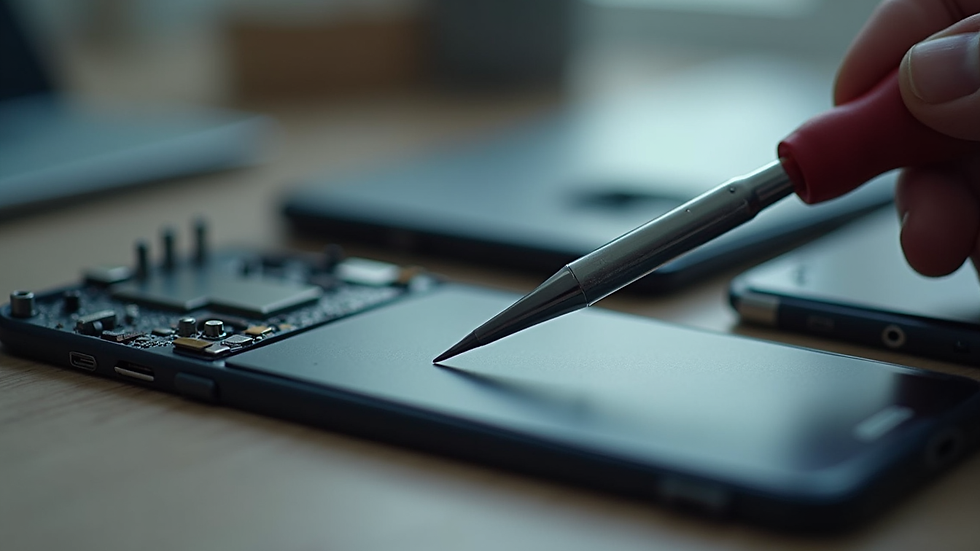
Tips for Repairing Your Mobile Devices Safely and Effectively
Safety is crucial when repairing electronic devices. Here are some tips to keep in mind:
Power Off the Device: Always turn off your device before opening it to avoid electrical shorts.
Use Anti-Static Equipment: Static electricity can damage sensitive components. Use an anti-static wrist strap or work on an anti-static mat.
Follow Step-by-Step Guides: Use trusted online tutorials or repair manuals specific to your device model.
Handle Components Gently: Internal parts are delicate. Avoid using excessive force when removing or installing components.
Keep Track of Screws and Parts: Organize screws and small parts in labeled containers to avoid confusion during reassembly.
If you are unsure about any step, it’s better to seek professional help rather than risk further damage.

Is uBreakiFix Cheap?
When considering professional repair services, cost is often a major factor. uBreakiFix is a popular choice for many due to its nationwide presence and quick turnaround times. But is uBreakiFix cheap?
The answer depends on the type of repair and your location. For common repairs like screen replacements or battery swaps, uBreakiFix prices are competitive but may be slightly higher than local independent shops. However, they offer the advantage of certified technicians and warranty on repairs, which can provide peace of mind.
If you want to save money, compare quotes from multiple repair shops in your area. Sometimes local experts offer better deals and personalized service. Additionally, some shops provide discounts or bundle offers when purchasing accessories alongside repairs.
How to Choose the Right Replacement Parts
Using high-quality replacement parts is key to a successful repair. Cheap or counterfeit parts can cause more problems down the line. Here are some tips for selecting the right parts:
Buy OEM or Certified Parts: Original Equipment Manufacturer (OEM) parts or certified third-party parts ensure compatibility and durability.
Check Reviews and Ratings: When buying online, read customer reviews to verify the quality of the parts.
Match Model Numbers: Ensure the replacement part matches your device’s exact model number.
Consider Warranty: Choose parts that come with a warranty for added protection.
If you are unsure where to buy reliable parts, many local repair shops also sell accessories and parts, providing a convenient one-stop solution.
When to Seek Professional Help for Your Device Repair
While DIY repairs can be rewarding and cost-effective, some issues require professional expertise. Consider visiting a trusted repair center if:
The device is still under warranty and you want to avoid voiding it.
The problem involves complex hardware like motherboard or camera replacements.
You lack the proper tools or experience.
The device has water damage or other severe issues.
Professional repair services often provide guarantees and use specialized equipment to ensure your device is restored to optimal condition.
For those looking for reliable and fast service in the Albany, GA area, Smart Repair Expert is a great option. They combine local expertise with quality parts and accessories, making them a trusted choice for anyone needing device repair.
Maintaining Your Mobile Devices to Prevent Future Repairs
Prevention is better than cure. To reduce the need for repairs, follow these maintenance tips:
Use a sturdy case and screen protector to prevent physical damage.
Avoid exposing your device to extreme temperatures or moisture.
Regularly update your software to fix bugs and improve performance.
Clean your device gently with a microfiber cloth to remove dust and debris.
Monitor battery health and replace it before it fails completely.
By taking good care of your mobile devices, you can extend their lifespan and enjoy better performance.
By following these effective tips, you can confidently handle many common mobile device issues. Whether you choose to repair your device yourself or seek professional help, being informed and prepared will ensure the best results. Remember, quality repairs and parts are essential to keep your device running smoothly for years to come.


Comments